
Your Nephew Is Not Your IT Department
Letting a family member handle your business IT feels like a money-saver until something breaks on a Friday afternoon. Here's what I see happen, and what to look for instead.
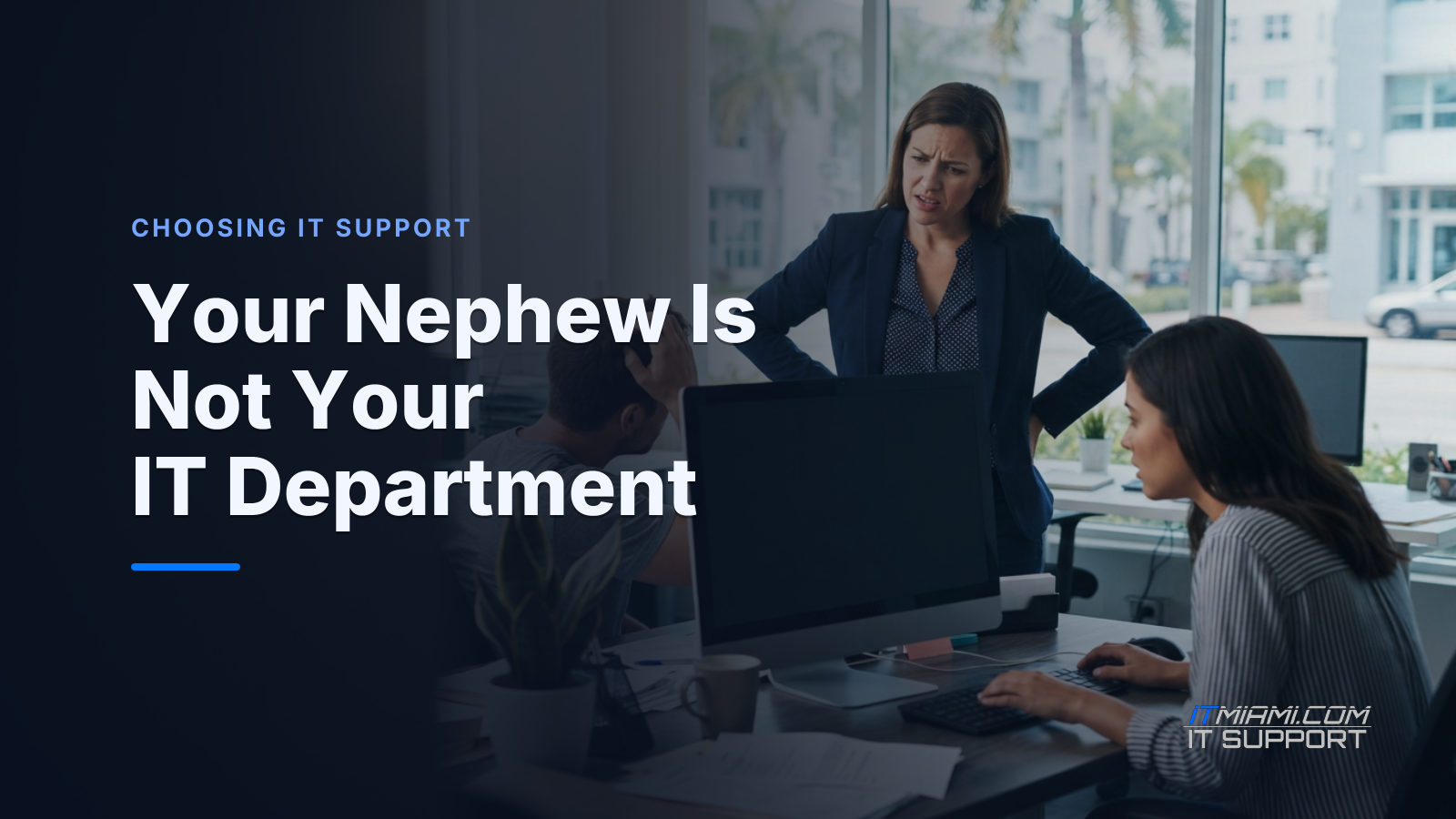
Here's a call that comes up more than you'd think. An owner calls me, voice tight, staff standing around doing nothing: "Jesus, our server is down, nobody can work, and the guy who set everything up is not answering his phone." That guy? The nephew.
The short version: A smart, well-meaning family member is not a substitute for a dedicated IT professional — and the difference shows up fast when something breaks. Knowing what to look for will save you a very bad day.
How it starts (it always makes sense at first)
Nobody hires their nephew to be difficult. It makes total sense in the beginning. He built his own PC, he fixes his friends' computers, he charges next to nothing. For a small business watching every dollar, that sounds like a win.
And for a while, it works. He sets up the Wi-Fi, installs the computers, maybe gets your email running. Things hum along. You stop thinking about IT, which feels great.
Then something changes. He goes back to school. He gets a full-time job. He moves to Broward. Life happens. And your business IT is now sitting on a foundation only one person understands — a person who may not pick up when you call.
What if one small thing goes wrong?
This is where I want to walk you through something. Not to scare you — just so you can see how a small problem grows.
What if your domain renewal — that's the annual fee that keeps your website address and email working — gets missed because it was tied to a personal card your nephew no longer uses? Your email stops delivering. Clients think you ghosted them. Staff can't send quotes. You don't find out until a client calls asking if you're still in business.
What if the fix requires logging into an account only he has the password to? What if he's in a meeting? What if he forgot the password? Now you're not just down — you're stuck. A dog chasing his tail.
What if the problem isn't the domain but the firewall — that's the security gate between your office network and the internet — and it hasn't been updated in two years because nobody was watching it? One issue leads to another. That's how a Monday morning headache becomes a week-long crisis.
The questions you deserve honest answers to
I always tell owners: you don't need to understand the technology. You need to ask the right questions. Here are a few worth asking whoever handles your IT right now.
- If you're unavailable, who covers for you?
- Where are our passwords stored, and can we get to them without you?
- What happens if something breaks at 8 a.m. on a Monday — what's your response time guarantee?
- Do we have a backup? Where does it live, and when was it last tested?
A backup, by the way, is a copy of your data stored separately so you can recover it if something goes wrong. Having one that has never been tested is like owning a fire extinguisher you've never checked. It might work. It might not.
If the person handling your IT can't answer those questions clearly and quickly, that tells you something important.
What real IT support actually looks like
I'm not saying your nephew is a bad person. I'm saying IT support for a business is a different job than fixing a home computer. It involves monitoring — keeping an eye on your systems before things break — documentation so anyone on the team can step in, and accountability when something goes wrong.
Let's compare apples to apples. A plumber you call in an emergency is useful. But a building that has never had a licensed plumber inspect the pipes is one slow leak away from a flood. Same idea here.
Good IT support means someone is watching, someone is reachable, and someone is responsible. Not just available when they feel like it. Not learning on your dime. Responsible.
There are two things worth knowing about, not because you'll manage them yourself — that's my job — but because you should know your IT person is on top of them. First, SSDs, or solid-state drives: a faster, more reliable type of hard drive. If your team is still running on old spinning hard drives, ask whether it's time to upgrade. Second, 2FA, or two-factor authentication: that's when logging into an account requires a second confirmation — like a code sent to your phone — so a stolen password alone can't get a stranger into your systems. Ask your IT person whether 2FA is turned on for your business accounts. The answer should be yes.
One more thing owners miss
Documentation. That's just a fancy word for written records of how your systems are set up — passwords in a secure place, notes on what was installed and when, who has access to what. When everything lives only in your nephew's head, you don't have IT support. You have a dependency. And the day he's unreachable, you feel it.
Ask yourself: if the person handling my IT disappeared tomorrow, would we know what we have? Do we have the owner's cell number for every account that matters? Those aren't IT questions. Those are business questions.
The bottom line
You were brave enough to start your own business. You are smart enough to protect it. The right IT support isn't about spending more money — it's about knowing someone is actually minding the store so you can focus on yours.
At IT MIAMI, we work with small and mid-sized businesses all over South Florida. No cookie-cutter solutions. We get to know your setup, your team, and what you actually need before we ever suggest you spend a dime. I won't tell you to spend money until we're sure it's the right call.
If any of this hit close to home, let's talk. Give us a call at (305) 900-2601 or book a free 15-minute call and we'll take it from there. — Jesus
Related services
Need expert IT support?
Schedule a free 15-minute consultation with our Miami IT experts. No obligation, just honest advice for your business.
Keep reading
Port Your Numbers on a Quiet Tuesday Morning
Port Your Business Phone Numbers the Right Way in Miami
November 14, 2026
Set Retention Rules So Old Files Clean Themselves Up
Set Retention Rules So Old Files Clean Themselves Up in Miami
November 13, 2026
Write Down What Your Business Needs First After an Outage
Write Down What Your Business Needs First After an Outage Miami
November 12, 2026